
Product Update
Now in 9 Languages: Use Renamed.to Your Way
Renamed.to now speaks your language. Available in English, German, French, Spanish, Portuguese, Italian, Japanese, Korean, and Polish—so you can organize files without the language barrier.
Oleksandr Erm
•Founder, Renamed.to
Whether you're organizing invoices in Berlin, sorting contracts in São Paulo, or managing receipts in Paris—you can now do it all in your own language.
Renamed.to is now available in 9 languages. Every button, every menu, every message—translated so you can focus on organizing your files, not deciphering an interface.
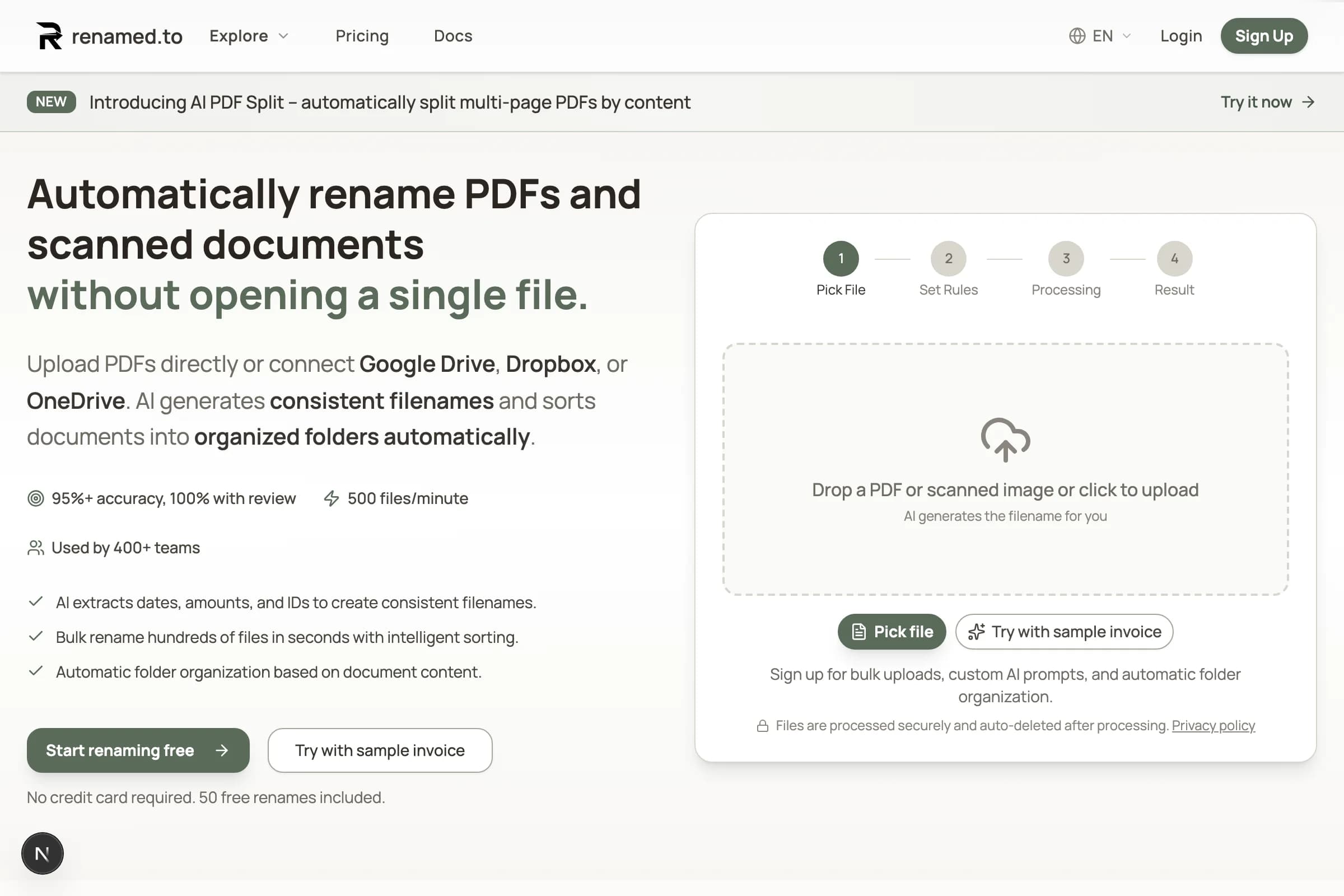
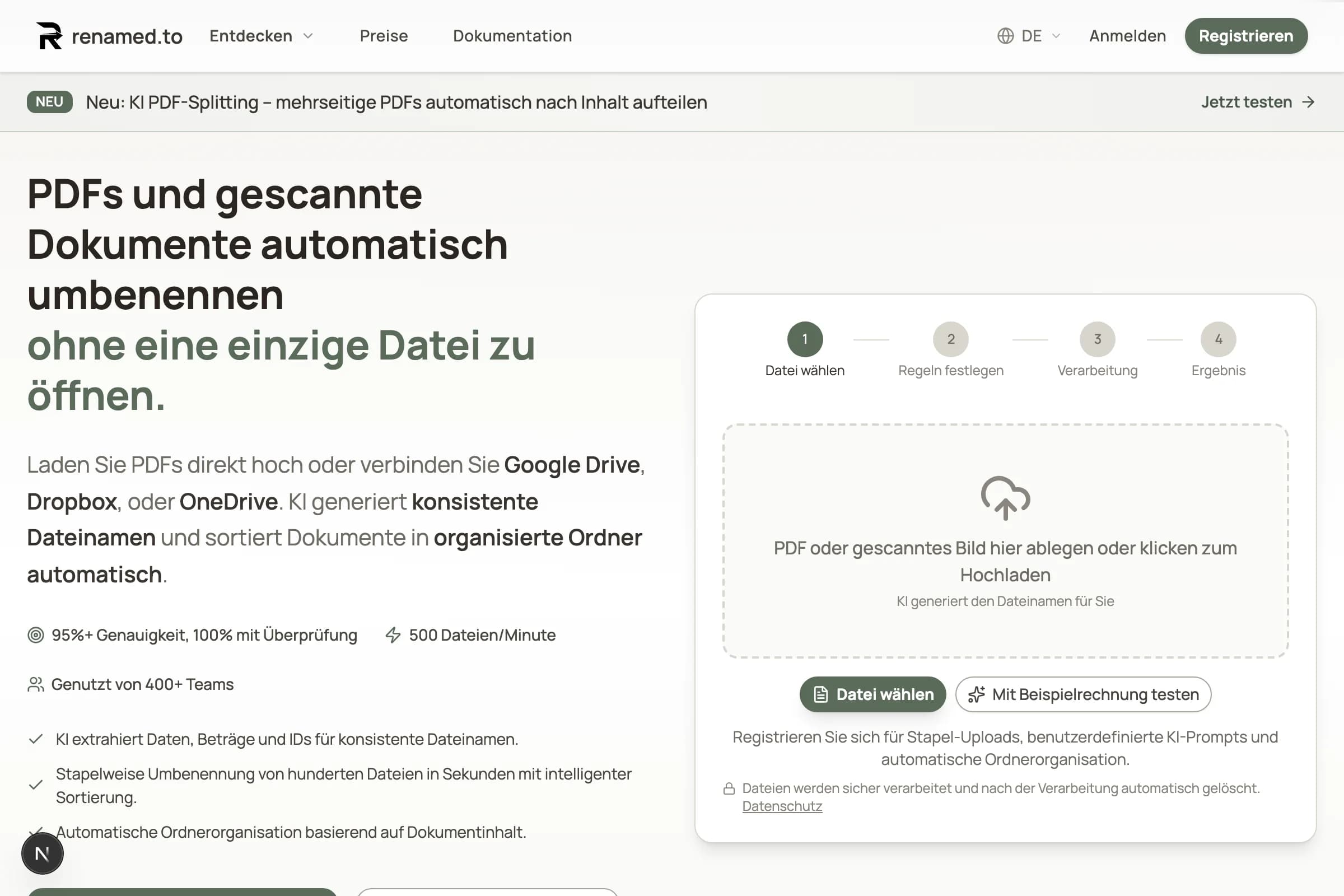
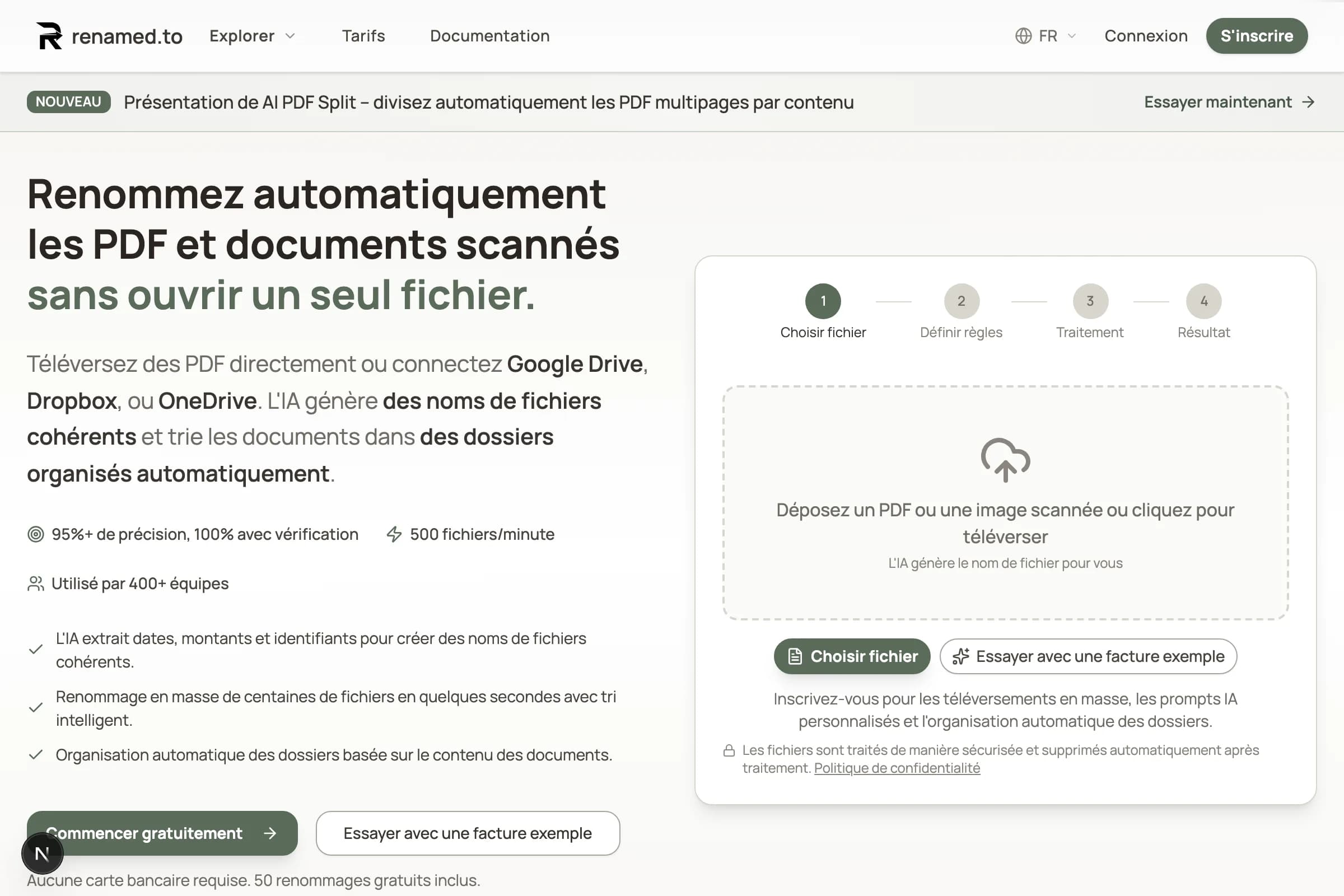
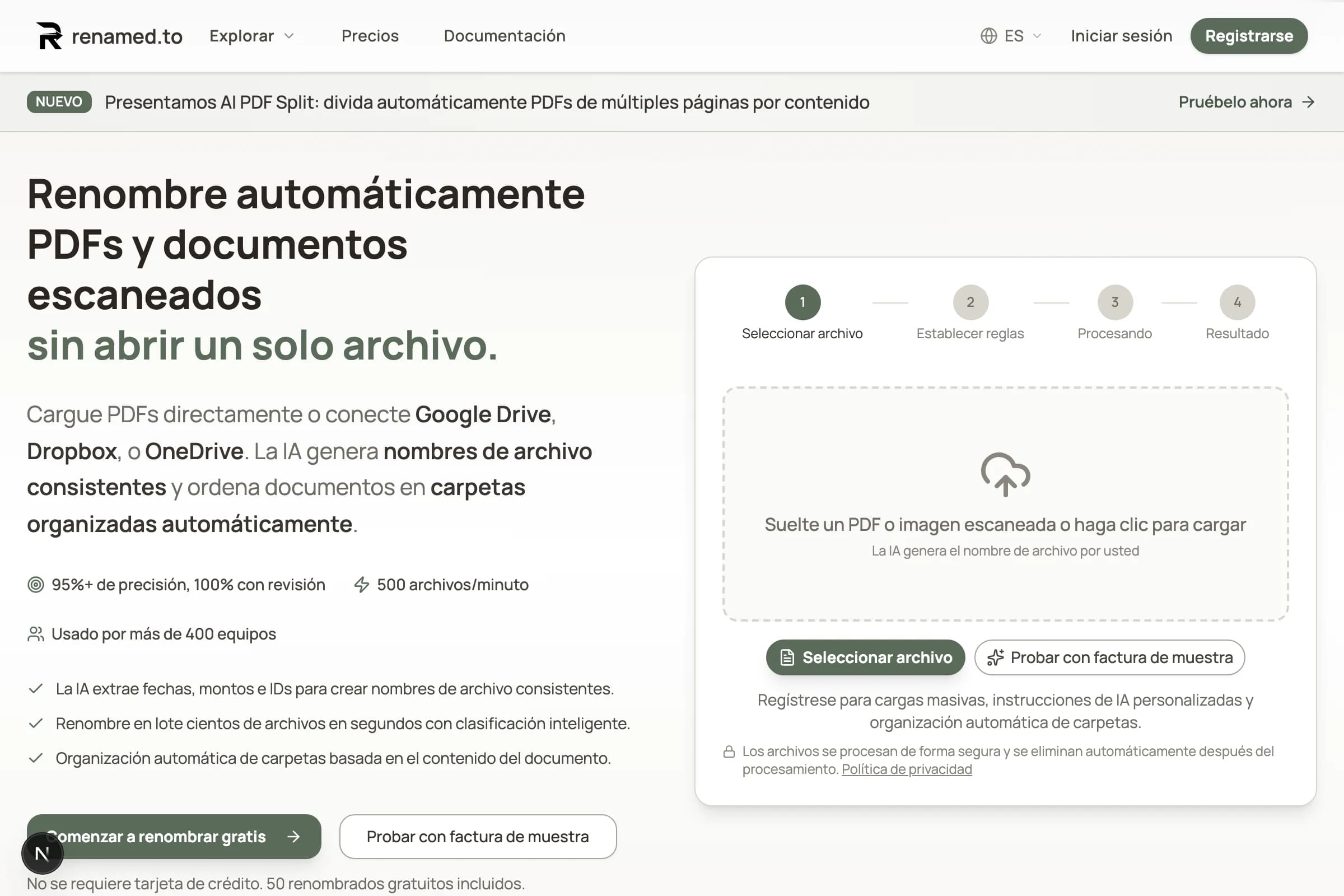
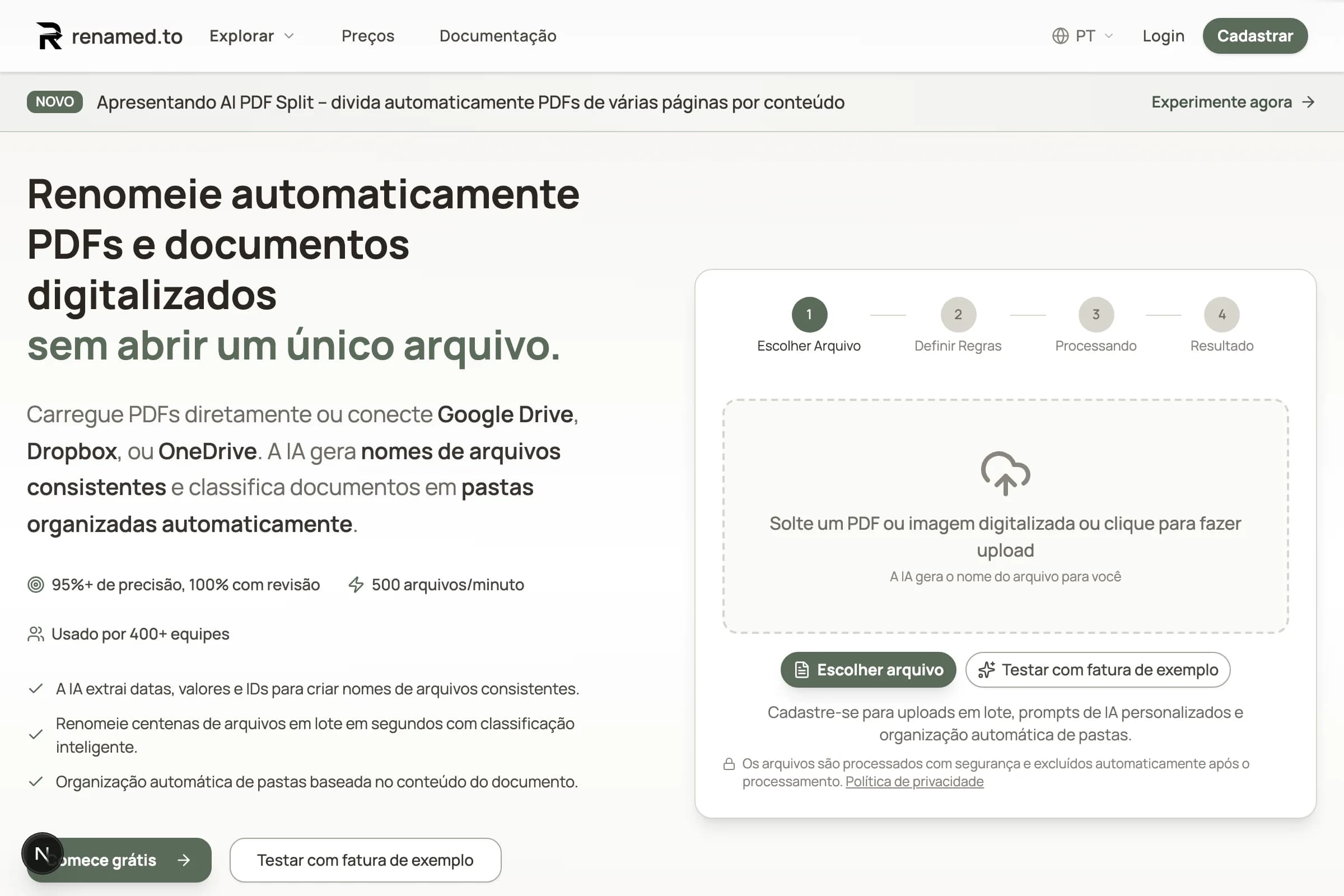
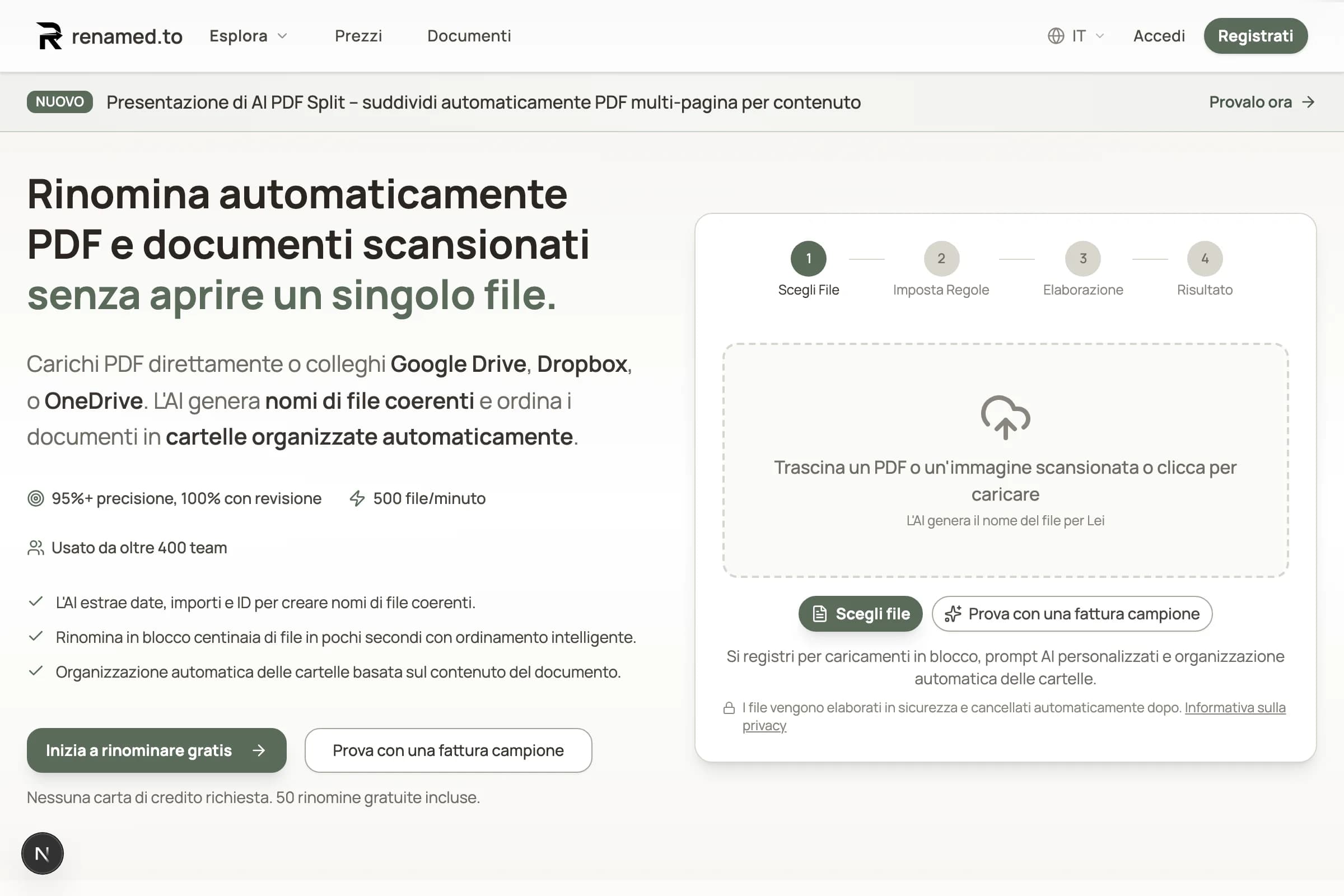
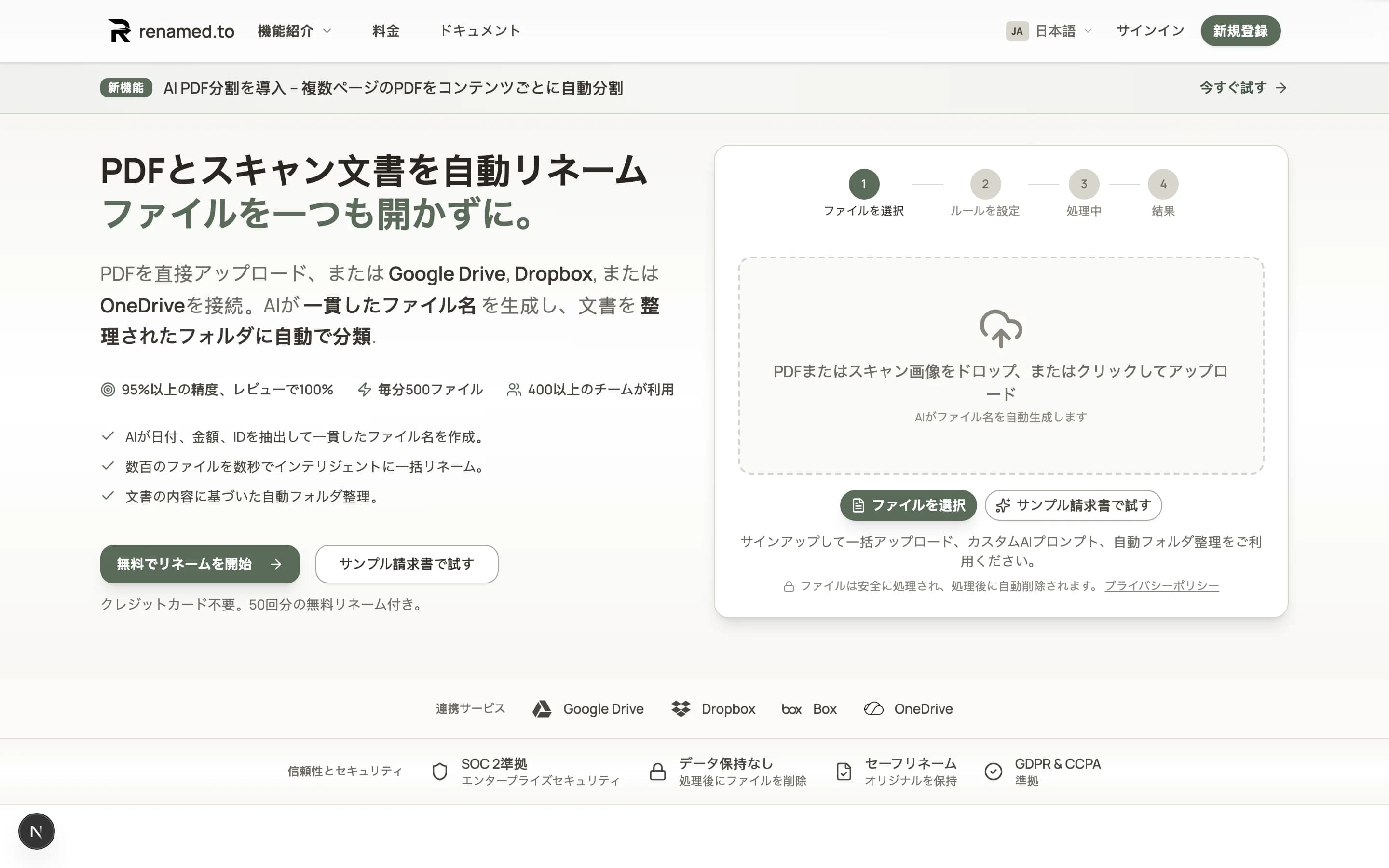
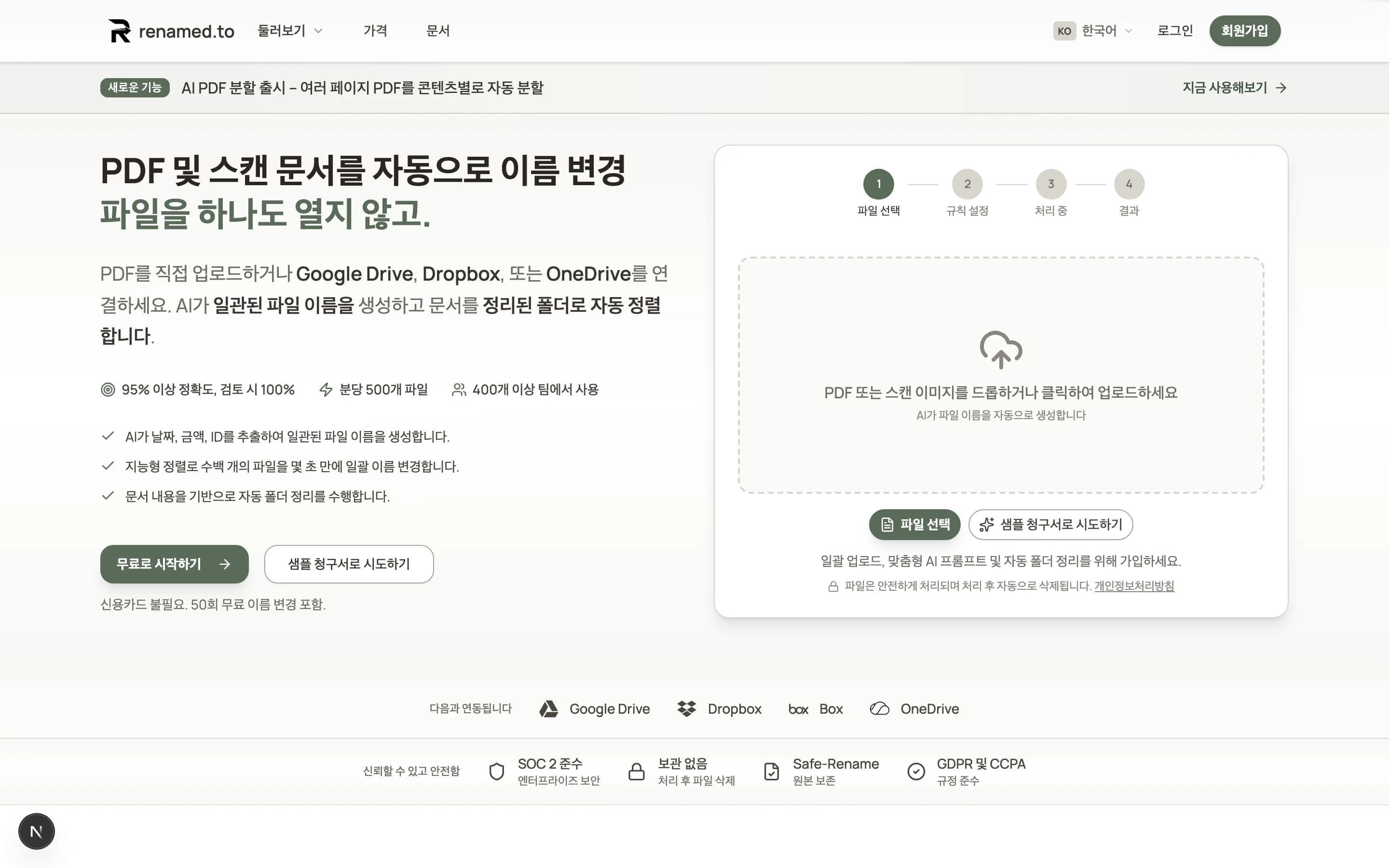
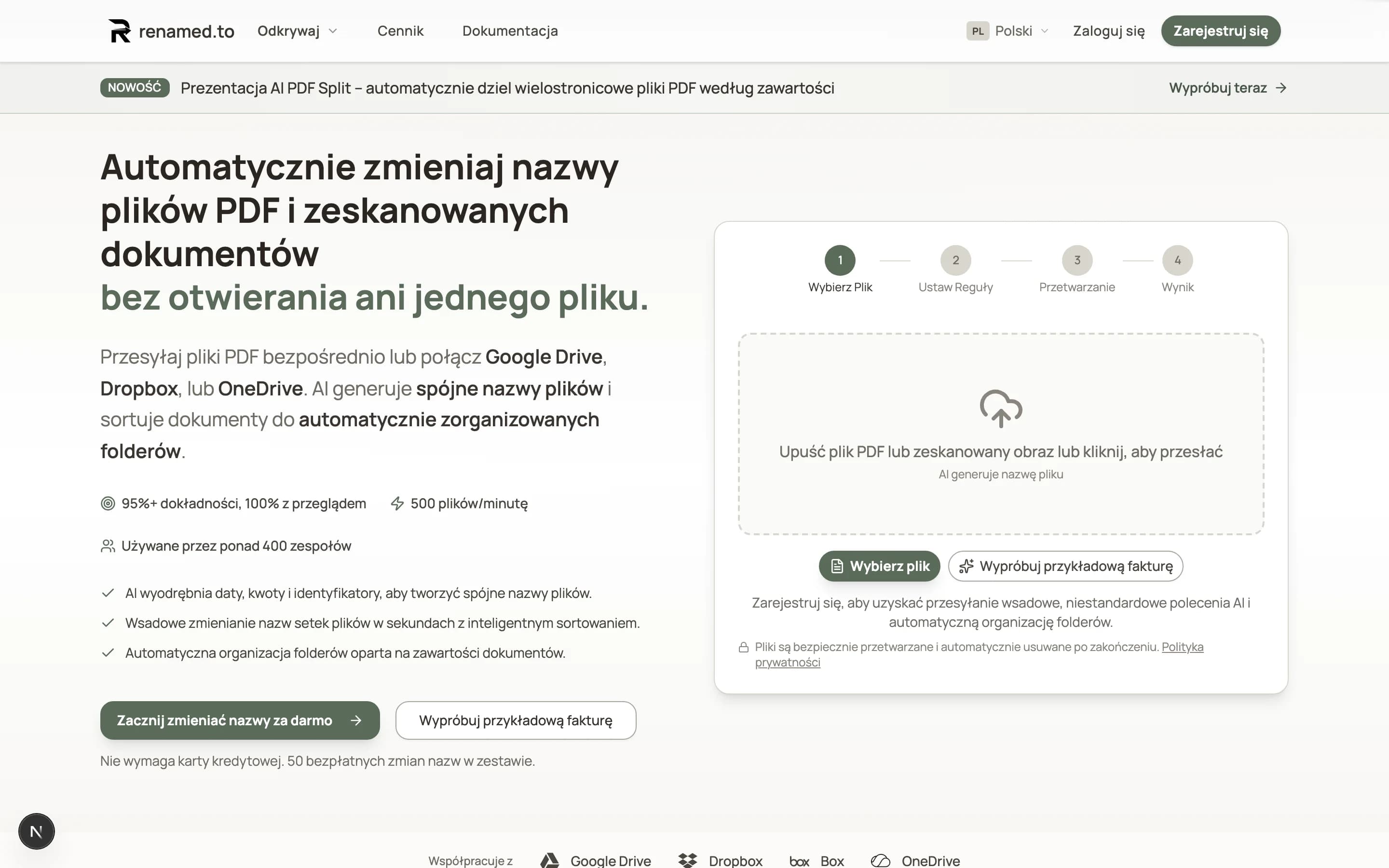
Auto-playing — Click or use arrows to browse all 9 language versions
Choose Your Language
We now support:
- English
- Deutsch (German)
- Français (French)
- Español (Spanish)
- Português (Brazilian Portuguese)
- Italiano (Italian)
- 日本語 (Japanese)
- 한국어 (Korean)
- Polski (Polish)
Just click the language selector in the corner of any page. Your choice is saved automatically.
Everything in Your Language
This isn't a half-measure. We translated the entire experience:
- The app itself — Upload files, manage settings, view your history
- All emails — Welcome messages, notifications, and receipts
- Help and guides — So you never get stuck
- Error messages — Clear explanations when something goes wrong
Why This Matters
Using software in a foreign language is exhausting. You second-guess every click. You wonder if you understood that warning correctly. You waste time translating in your head instead of getting work done.
Now you don't have to. Renamed.to works the way you think—in your language, with familiar terms, no mental translation required.
More Languages Coming
Don't see your language? We're adding more based on what our users need. Tell us which language would help you most.
Key takeaways
- Available in 9 languages: English, German, French, Spanish, Portuguese, Italian, Japanese, Korean, and Polish.
- Everything is translated—the app, emails, help guides, and error messages.
- Switch languages anytime with one click.
Oleksandr Erm
Founder, Renamed.to
Writing about file management, productivity, and automation at Renamed.to.
Further reading
Beyond PDF: How We Built the Fastest Office-to-Image Converter for AI Document Processing
Renamed.to now supports Word, Excel, and PowerPoint documents. Learn how our custom office-to-image converter renders documents to images in under a second for AI-powered naming.
Google Drive Automation: Compared
Compare 4 ways to automate Google Drive file management. Apps Script, Zapier, Make, and AI renaming tested side-by-side with cost, setup time, and limitations.
How to Rename PDF Files (3 Methods Compared)
Learn how to rename PDF files manually, with online tools, or using AI. Compare setup time, cost, and difficulty for each method. Includes best practices for PDF naming conventions.
Renamed.to
Ready to try it?
Pick your language and start organizing. 50 free renames, no credit card needed.
Get Started Free