
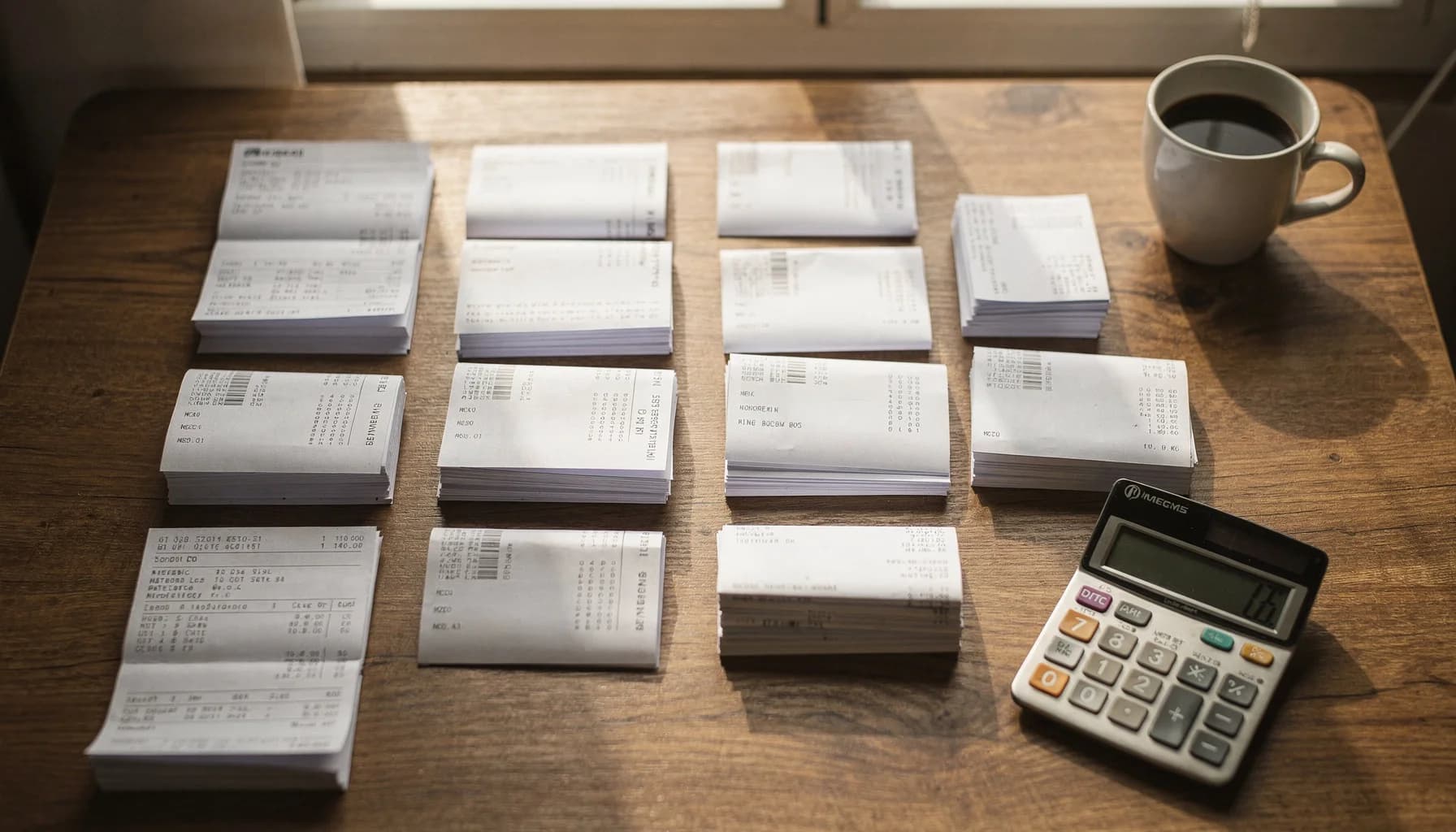
Document naming for accountants
Stop renaming invoices manually — AI for accounting firms and bookkeepers
Whether you're a solo bookkeeper or a 50-person accounting firm, AI extracts vendor, date, amount, and invoice number from every document. 1,200 files renamed in under 3 minutes.
*Based on 500 documents/month at 2 minutes per manual rename
Accountants · Invoice Naming
Automatically rename invoices using AI that extracts vendor, date, amount, and invoice number from PDFs and Office documents.
- Connect Google Drive or Dropbox — AI processes invoices as they arrive from clients and vendors.
- Vendor name, invoice number, date, and amount encoded into every filename automatically.
- Per-client naming templates saved and reused monthly. No reconfiguration needed.
Accounting firms process 1,200+ invoices in under 3 minutes with 95%+ extraction accuracy.
Your client folder today vs. tomorrow
Every accounting practice drowns in unlabeled invoices and receipts. AI reads each document and extracts vendor, date, amount, and invoice number automatically.
Before — your inbox right now
scan_042.pdfNo one knows what this is without opening it
Invoice (3).pdfWhich vendor? Which client? Which month?
IMG_4421.pdfA receipt? An invoice? A statement?
Acme invoice FINAL.pdfNo date, no amount — useless for sorting
receipt.pdfOne of 47 files named "receipt.pdf"
Average time to find a specific invoice: 3–5 minutes of searching, opening, closing.
After — 3 minutes with Renamed.to
2026-01-15_AcmeCorp_INV-4421_$2450.pdfVendor, date, invoice number, amount — all searchable
2026-01-12_HomeDepot_Receipt_$847.pdfReceipt with vendor and amount, instantly findable
2026-01_Chase_Statement_****4521.pdfBank statement with month and last-4 account digits
2026-01-10_ClientABC_Payroll_Jan.pdfPayroll file organized by client and period
2026-01-08_Vendor123_CreditMemo_$-150.pdfCredit memos flagged with negative amounts
Time to find any invoice: type 3 letters in your file browser. Done.
From inbox chaos to client-ready files
AI handles the tedious extraction work. You review, approve, and move on.
Documents arrive
Invoices, receipts, and statements land in your inbox — from clients, vendors, and bank portals.
scan_042.pdfInvoice (3).pdfIMG_4421.pdfAI extracts fields
OCR reads vendor name, invoice number, date, and amount from the document content automatically.
Vendor: Acme CorpAmount: $2,450.00Date: 2026-01-15Preview & approve
Review every suggested filename with confidence scores. Bulk-approve high-confidence batches.
95% confidenceSide-by-side previewOne-click approveClient-ready files
Clean filenames following your naming convention. Ready for GL upload, client delivery, or archive.
2026-01-15_AcmeCorp_INV-4421_$2450.pdfUse case example
"We stopped dreading month-end close"
A 4-person bookkeeping firm was spending 6+ hours every month renaming invoices and receipts from 23 small business clients. Each client had different naming preferences. Junior staff made frequent mistakes.
After connecting their shared Google Drive, they set up per-client naming templates once. Now invoices are processed automatically as they arrive — vendor, date, amount, and invoice number extracted and encoded into each filename.
Month-end close went from a weekend of catch-up to a 2-hour review session. The senior partner now focuses on advisory work instead of file management.
Illustrative example based on typical bookkeeping workflows. Individual results vary based on client volume, document complexity, and existing processes.
6.7 hrs
Saved monthly
23
Clients managed
1,200+
Docs/month processed
95%+
Auto-approved
Tax season document organization
Clients dump hundreds of receipts, W-2s, and 1099s into a shared folder. AI sorts and renames them by tax category — before you even open the folder.
Before
IMG_2847.jpg
After
2025_W2_AcmeCorp_JohnSmith.pdf
Before
scan003.pdf
After
2025_1099-NEC_FreelanceDesign_$12,400.pdf
Before
receipt_photo.jpg
After
2025-03-15_Receipt_OfficeDepot_$247.89_Supplies.pdf
Before
document(1).pdf
After
2025_1098-E_StudentLoan_Interest_$2,100.pdf
Before
bank_stmt.pdf
After
2025-Q4_BankStatement_Chase_Business.pdf
Before
photo_2025_03.heic
After
2025_PropertyTax_123MainSt_$4,200.pdf
Example naming patterns for accounting documents
These are examples of naming patterns the AI generates for common accounting documents. Save your preferred patterns and reuse them monthly.
Invoices
YYYY-MM-DD_{Vendor}_INV-{Number}_${Amount}.pdfExtract vendor, date, invoice number, and amount. Works with QuickBooks exports and scan uploads.
Receipts
YYYY-MM-DD_{Vendor}_Receipt_${Amount}.pdfPerfect for credit card receipts and emailed confirmations. Automatic date and amount extraction.
Bank statements
YYYY-MM_{Client}_{Bank}_Statement.pdfKeep account codes consistent per client. Perfect for monthly close workflows.
Payroll
YYYY-MM_{Client}_Payroll_{Period}.pdfOrganize payroll documents by client, month, and pay period automatically.
Tax documents
{TaxYear}_{FormType}_{Source}_{Description}.pdfOrganize W-2s, 1099s, 1098s, and other tax forms by year and type. Perfect for tax preparation workflows.
Expense reports
YYYY-MM-DD_{Employee}_{Category}_{Amount}.pdfTrack employee expenses by date and category. Auto-extract amounts for reconciliation.
Why accountants choose Renamed.to
Purpose-built for accounting documents vs. manual renaming or generic file tools.
| Feature | Renamed.to | Manual | Generic Tools |
|---|---|---|---|
| Extracts vendor, date, amount, invoice # | |||
| Works with scanned PDFs (OCR) | |||
| Per-client naming templates | |||
| Batch 1,000+ docs in under 3 min | |||
| Works with Google Drive & Dropbox | |||
| Confidence preview before apply | |||
| One-click undo (originals untouched) | |||
| QuickBooks/Xero integration (via Zapier) |
Calculate your time savings
Adjust sliders to match your monthly document volume. See what your team gets back.
Based on manual rename time of 20s per document. Actual savings vary by document complexity and naming convention.
Security built for client documents
Security designed for sensitive financial documents.
Encryption & residency
TLS 1.3 in transit, AES-256 at rest. Hosted on ISO-certified data centers in the EU.
Access & audit
Sign in with Google or Microsoft. Every file access, rename, and approval logged with full attribution.
Quality controls
Every rename shows a confidence score. Preview side-by-side before applying. One-click undo — originals are never modified or deleted.
Files stored temporarily during processing (under 10 minutes), then deleted. Purge filename data anytime from your dashboard. Full security documentation →
Frequently asked questions
How do I automatically rename invoices?
Connect your Google Drive or Dropbox folder, drop your invoices, and Renamed.to extracts vendor name, invoice number, date, and amount automatically using AI and OCR. Preview every suggested filename with confidence scores, then approve the batch. 1,200+ invoices renamed in under 3 minutes.
How accurate is the invoice extraction?
We deliver 95%+ extraction accuracy on common invoice formats (Sept 2025 testing, n=250+). Every rename shows a confidence score. Preview mode lets you spot-check every suggested filename before apply. AI works with Auto mode, 50+ common templates, or custom patterns you define.
Will you overwrite my original files?
No. Safe-Rename writes new files alongside your originals and keeps them untouched. You can undo any batch with one click. Originals are never modified or deleted.
Does it work with scanned invoices?
Yes. Our OCR engine processes scanned PDFs, digital PDFs, and image-based documents. 300+ DPI recommended for best accuracy. Works with invoices, receipts, bank statements, and most accounting documents.
Can I save naming rules per client?
Yes. Save naming templates and reuse them every month. Templates support dynamic fields like {Vendor}, {InvoiceNumber}, {Amount}, {Date}, and more. No reconfiguration needed month-to-month.
Does it integrate with QuickBooks or Xero?
Yes, via Zapier and n8n. Renamed PDFs can auto-attach to bills, expenses, and invoices in QuickBooks Online/Desktop and Xero. Connect your accounting software through automation platforms for a seamless workflow.
What does it cost?
Free for up to 50 documents per month. Then pay-as-you-go credit packs: $9 for 1,000 documents ($0.009 per file) or $49 for 10,000 documents ($0.0049 per file). Volume pricing available for firms processing 2,000+ documents monthly. No credit card required to start.
How do accounting firms handle tax season document chaos?
Connect your shared drive and drop the entire client folder — W-2s, 1099s, 1098s, receipts, and bank statements. AI identifies each form type, extracts tax year and amounts, and renames every file with consistent naming. Per-client folder organization means each client's documents are sorted automatically. Batch processing handles hundreds of documents in minutes, not hours. Consistent naming also supports IRS retention requirements — Publication 583 recommends keeping tax records for at least 3 years, and up to 7 years for certain deductions.
Can bookkeepers set up different naming rules for each client?
Yes. Save a naming template per client with custom fields like {Vendor}, {Amount}, {InvoiceNumber}, and {Date}. Once configured, the same template applies automatically every monthly close cycle. AI recognizes common vendor name variations in document text. No reconfiguration needed month-to-month.
Results from accounting teams
invoices processed per batch by typical accounting firms
saved monthly on document naming and filing
extraction accuracy on common invoice formats
Ready to stop renaming invoices manually?
Connect your shared drive, drop your first batch, and see clean filenames in under 3 minutes.
Free 50 docs/month · No credit card · Originals never modified
Continue exploring
Discover related solutions, use cases, and resources