
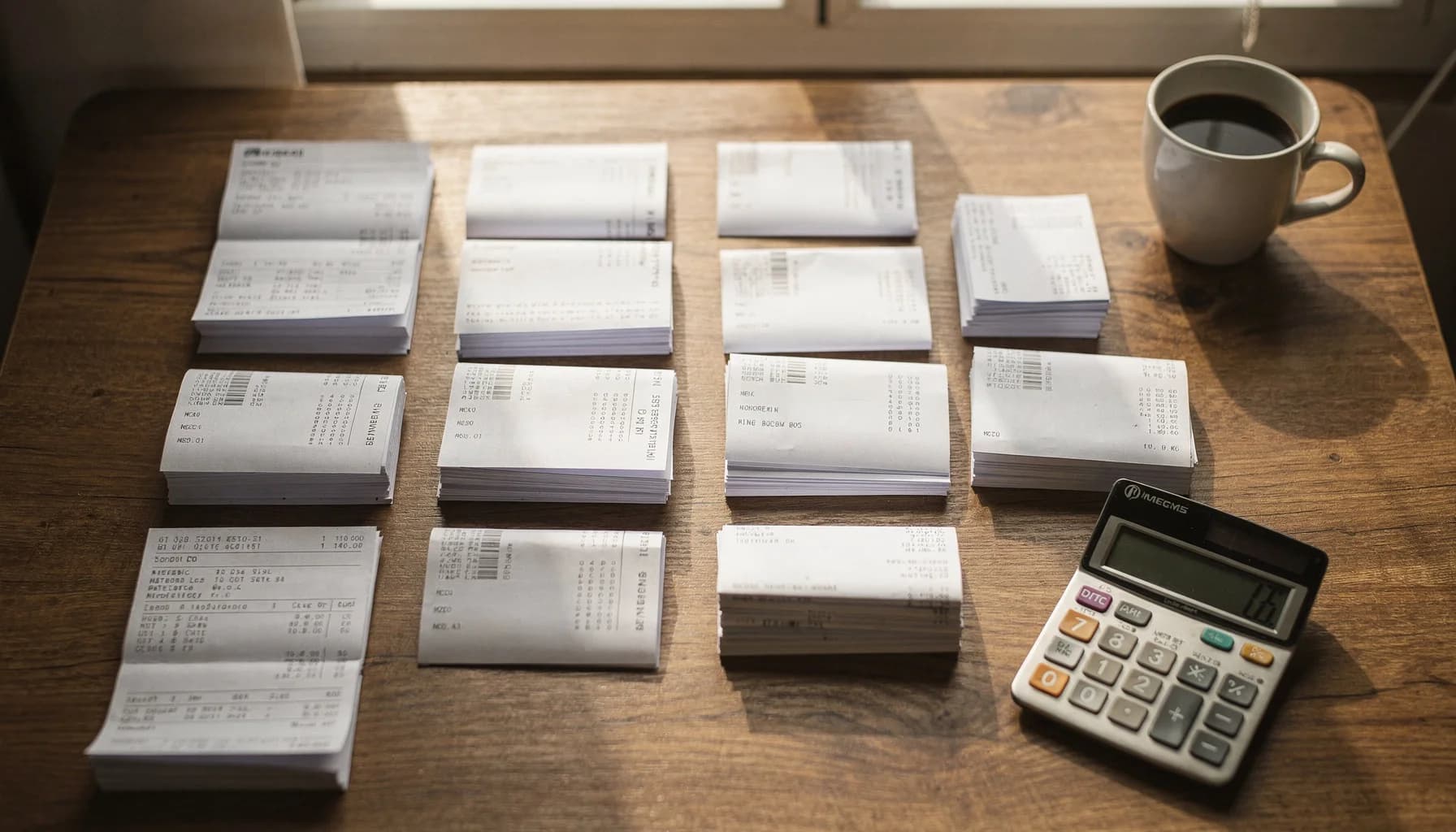
Nommage de documents pour comptables
Arrêtez de renommer les factures manuellement — IA pour cabinets comptables et teneurs de livres
Que vous soyez teneur de livres indépendant ou cabinet comptable de 50 personnes, l’IA extrait le fournisseur, la date, le montant et le numéro de facture de chaque document. 1,200 fichiers renommés en moins de 3 minutes.
*Basé sur 500 documents/mois à 2 minutes par renommage manuel
Comptables · Nommage de factures
Renommez automatiquement les factures à l’aide d’une IA qui extrait le fournisseur, la date, le montant et le numéro de facture depuis des PDF et documents Office.
- Connectez Google Drive ou Dropbox — l’IA traite les factures à mesure qu’elles arrivent des clients et fournisseurs.
- Le nom du fournisseur, le numéro de facture, la date et le montant sont intégrés automatiquement dans chaque nom de fichier.
- Les modèles de nommage par client sont enregistrés et réutilisés chaque mois. Aucune reconfiguration nécessaire.
Les cabinets comptables traitent 1,200+ factures en moins de 3 minutes avec une précision d’extraction de 95%+.
Your client folder today vs. tomorrow
Every accounting practice drowns in unlabeled invoices and receipts. AI reads each document and extracts vendor, date, amount, and invoice number automatically.
Before — your inbox right now
scan_042.pdfNo one knows what this is without opening it
Invoice (3).pdfWhich vendor? Which client? Which month?
IMG_4421.pdfA receipt? An invoice? A statement?
Acme invoice FINAL.pdfNo date, no amount — useless for sorting
receipt.pdfOne of 47 files named "receipt.pdf"
Average time to find a specific invoice: 3–5 minutes of searching, opening, closing.
After — 3 minutes with Renamed.to
2026-01-15_AcmeCorp_INV-4421_$2450.pdfVendor, date, invoice number, amount — all searchable
2026-01-12_HomeDepot_Receipt_$847.pdfReceipt with vendor and amount, instantly findable
2026-01_Chase_Statement_****4521.pdfBank statement with month and last-4 account digits
2026-01-10_ClientABC_Payroll_Jan.pdfPayroll file organized by client and period
2026-01-08_Vendor123_CreditMemo_$-150.pdfCredit memos flagged with negative amounts
Time to find any invoice: type 3 letters in your file browser. Done.
From inbox chaos to client-ready files
AI handles the tedious extraction work. You review, approve, and move on.
Documents arrive
Invoices, receipts, and statements land in your inbox — from clients, vendors, and bank portals.
scan_042.pdfInvoice (3).pdfIMG_4421.pdfAI extracts fields
OCR reads vendor name, invoice number, date, and amount from the document content automatically.
Vendor: Acme CorpAmount: $2,450.00Date: 2026-01-15Preview & approve
Review every suggested filename with confidence scores. Bulk-approve high-confidence batches.
95% confidenceSide-by-side previewOne-click approveClient-ready files
Clean filenames following your naming convention. Ready for GL upload, client delivery, or archive.
2026-01-15_AcmeCorp_INV-4421_$2450.pdfUse case example
"We stopped dreading month-end close"
A 4-person bookkeeping firm was spending 6+ hours every month renaming invoices and receipts from 23 small business clients. Each client had different naming preferences. Junior staff made frequent mistakes.
After connecting their shared Google Drive, they set up per-client naming templates once. Now invoices are processed automatically as they arrive — vendor, date, amount, and invoice number extracted and encoded into each filename.
Month-end close went from a weekend of catch-up to a 2-hour review session. The senior partner now focuses on advisory work instead of file management.
Illustrative example based on typical bookkeeping workflows. Individual results vary based on client volume, document complexity, and existing processes.
6.7 hrs
Saved monthly
23
Clients managed
1,200+
Docs/month processed
95%+
Auto-approved
Organisation des documents pendant la saison fiscale
Les clients déposent des centaines de reçus, W-2 et 1099 dans un dossier partagé. L’IA les trie et les renomme par catégorie fiscale — avant même que vous ouvriez le dossier.
Avant
IMG_2847.jpg
Après
2025_W2_AcmeCorp_JohnSmith.pdf
Avant
scan003.pdf
Après
2025_1099-NEC_FreelanceDesign_$12,400.pdf
Avant
receipt_photo.jpg
Après
2025-03-15_Receipt_OfficeDepot_$247.89_Supplies.pdf
Avant
document(1).pdf
Après
2025_1098-E_StudentLoan_Interest_$2,100.pdf
Avant
bank_stmt.pdf
Après
2025-Q4_BankStatement_Chase_Business.pdf
Avant
photo_2025_03.heic
Après
2025_PropertyTax_123MainSt_$4,200.pdf
Exemples de formats de nommage pour documents comptables
Voici des exemples de formats de nommage générés par l’IA pour les documents comptables courants. Enregistrez vos formats préférés et réutilisez-les chaque mois.
Factures
YYYY-MM-DD_{Vendor}_INV-{Number}_${Amount}.pdfExtrait le fournisseur, la date, le numéro de facture et le montant. Fonctionne avec les exports QuickBooks et les scans importés.
Reçus
YYYY-MM-DD_{Vendor}_Receipt_${Amount}.pdfIdéal pour les reçus de carte bancaire et les confirmations envoyées par e-mail. Extraction automatique de la date et du montant.
Relevés bancaires
YYYY-MM_{Client}_{Bank}_Statement.pdfConservez des codes de compte cohérents par client. Idéal pour les clôtures mensuelles.
Paie
YYYY-MM_{Client}_Payroll_{Period}.pdfOrganisez automatiquement les documents de paie par client, mois et période de paie.
Documents fiscaux
{TaxYear}_{FormType}_{Source}_{Description}.pdfOrganisez les W-2, 1099, 1098 et autres formulaires fiscaux par année et par type. Idéal pour les flux de préparation fiscale.
Notes de frais
YYYY-MM-DD_{Employee}_{Category}_{Amount}.pdfSuivez les dépenses des employés par date et catégorie. Extraction automatique des montants pour le rapprochement.
Pourquoi les comptables choisissent Renamed.to
Conçu pour les documents comptables par rapport au renommage manuel ou aux outils de fichiers génériques.
| Fonctionnalité | Renamed.to | Manuel | Outils génériques |
|---|---|---|---|
| Extrait le fournisseur, la date, le montant, le n° de facture | |||
| Fonctionne avec les PDF scannés (OCR) | |||
| Modèles de nommage par client | |||
| Traitement de 1,000+ documents en moins de 3 min | |||
| Fonctionne avec Google Drive et Dropbox | |||
| Aperçu du niveau de confiance avant application | |||
| Annulation en un clic (originaux intacts) | |||
| Intégration QuickBooks/Xero (via Zapier) |
Calculez votre gain de temps
Ajustez les curseurs à votre volume mensuel de documents. Voyez ce que votre équipe récupère.
Based on manual rename time of 20s per document. Actual savings vary by document complexity and naming convention.
Sécurité conçue pour les documents clients
Sécurité conçue pour les documents financiers sensibles.
Chiffrement et résidence
TLS 1.3 en transit, AES-256 au repos. Hébergé sur des centres de données certifiés ISO dans l’UE.
Accès et audit
Connexion avec Google ou Microsoft. Chaque accès, renommage et approbation de fichier est journalisé avec attribution complète.
Contrôles qualité
Chaque renommage affiche un score de confiance. Aperçu côte à côte avant application. Annulation en un clic — les originaux ne sont jamais modifiés ni supprimés.
Fichiers stockés temporairement pendant le traitement (moins de 10 minutes), puis supprimés. Purgez les données de nom de fichier à tout moment depuis votre tableau de bord. Documentation complète sur la sécurité →
Questions fréquentes
Comment renommer automatiquement les factures ?
Connectez votre dossier Google Drive ou Dropbox, déposez vos factures, et Renamed.to extrait automatiquement le nom du fournisseur, le numéro de facture, la date et le montant à l’aide de l’IA et de l’OCR. Prévisualisez chaque nom de fichier suggéré avec son score de confiance, puis approuvez le lot. 1,200+ factures renommées en moins de 3 minutes.
Quelle est la précision de l’extraction des factures ?
Nous fournissons une précision d’extraction de 95%+ sur les formats de factures courants (tests de Sept 2025, n=250+). Chaque renommage affiche un score de confiance. Le mode aperçu vous permet de vérifier chaque nom de fichier suggéré avant application. L’IA fonctionne avec le mode Auto, 50+ modèles courants ou des formats personnalisés que vous définissez.
Allez-vous écraser mes fichiers d’origine ?
Non. Safe-Rename écrit de nouveaux fichiers à côté de vos originaux et les laisse intacts. Vous pouvez annuler n’importe quel lot en un clic. Les originaux ne sont jamais modifiés ni supprimés.
Est-ce que cela fonctionne avec des factures scannées ?
Oui. Notre moteur OCR traite les PDF scannés, les PDF numériques et les documents à base d’images. 300+ DPI recommandés pour une meilleure précision. Fonctionne avec les factures, reçus, relevés bancaires et la plupart des documents comptables.
Puis-je enregistrer des règles de nommage par client ?
Oui. Enregistrez des modèles de nommage et réutilisez-les chaque mois. Les modèles prennent en charge des champs dynamiques comme {Vendor}, {InvoiceNumber}, {Amount}, {Date}, et plus encore. Aucune reconfiguration nécessaire d’un mois à l’autre.
Y a-t-il une intégration avec QuickBooks ou Xero ?
Oui, via Zapier et n8n. Les PDF renommés peuvent être joints automatiquement aux factures, dépenses et invoices dans QuickBooks Online/Desktop et Xero. Connectez votre logiciel comptable via des plateformes d’automatisation pour un flux de travail fluide.
Quel est le coût ?
Gratuit jusqu’à 50 documents par mois. Ensuite, packs de crédits à l’usage : $9 pour 1,000 documents ($0.009 par fichier) ou $49 pour 10,000 documents ($0.0049 par fichier). Tarification volume disponible pour les cabinets traitant 2,000+ documents par mois. Aucune carte bancaire requise pour commencer.
Comment les cabinets comptables gèrent-ils le chaos documentaire de la saison fiscale ?
Connectez votre lecteur partagé et déposez tout le dossier client — W-2, 1099, 1098, reçus et relevés bancaires. L’IA identifie chaque type de formulaire, extrait l’année fiscale et les montants, puis renomme chaque fichier avec un nommage cohérent. L’organisation des dossiers par client signifie que les documents de chaque client sont triés automatiquement. Le traitement par lot gère des centaines de documents en quelques minutes, pas en heures. Un nommage cohérent aide aussi à respecter les exigences de conservation de l’IRS — la Publication 583 recommande de conserver les dossiers fiscaux pendant au moins 3 ans, et jusqu’à 7 ans pour certaines déductions.
Les teneurs de livres peuvent-ils configurer des règles de nommage différentes pour chaque client ?
Oui. Enregistrez un modèle de nommage par client avec des champs personnalisés comme {Vendor}, {Amount}, {InvoiceNumber} et {Date}. Une fois configuré, le même modèle s’applique automatiquement à chaque cycle de clôture mensuelle. L’IA reconnaît les variantes courantes des noms de fournisseurs dans le texte du document. Aucune reconfiguration nécessaire d’un mois à l’autre.
Résultats des équipes comptables
factures traitées par lot par les cabinets comptables typiques
gagnées chaque mois sur le nommage et le classement des documents
précision d’extraction sur les formats de factures courants
Prêt à arrêter de renommer les factures manuellement ?
Connectez votre lecteur partagé, déposez votre premier lot et obtenez des noms de fichiers propres en moins de 3 minutes.
50 docs/mois gratuits · Sans carte bancaire · Originaux jamais modifiés
Poursuivre l’exploration
Découvrez des solutions, cas d’usage et ressources associés