
Product Update
Rename Scanned Documents Automatically
Stop manually renaming scanned PDFs and images. Learn how Renamed.to now renames JPG, PNG, and multi-page TIFF files automatically using AI vision and advanced OCR.
Oleksandr Erm
•Founder, Renamed.to
It is the single most frustrating file in the modern digital workspace: SCAN_0041.JPG.
You know it matters. Deep down, you know it is something critical, perhaps a signed contract amendment, a critical receipt for tax season, or a signed affidavit. But right now, it is just a meaningless string of characters sitting in a directory called "New Folder (2)". To find out what it is, you have to preview it. Then you have to preview SCAN_0042.JPG. And SCAN_0043.JPG.
For twenty years, the promise of the "Paperless Office" has come with this hidden administrative tax. We successfully mobilized to digitize our physical paper, scanning everything from invoices to business cards. But in doing so, we inadvertently built a massive digital landfill of unsearchable, unnamable, and unmanageable images. We traded dust-covered filing cabinets for disorganized cloud folders, and we are not sure it was an upgrade.
Today, we are eliminating that tax. We are thrilled to announce native support for scanned documents across the entire Renamed.to platform.
The Update: Beyond Text-Based PDFs
Until today, automated file renaming tools, including ours, largely focused on what we call "digital-native" PDFs. These are documents created in Word, Excel, or billing software and "printed" as PDFs. These files are easy for computers to read because they contain a selectable text layer. The "text" inside them is actually code that a machine can parse in milliseconds.
But the real world is messier than a pristine Word document. The real world is ink on paper, captured in bad lighting.
- Field Service: HVAC technicians take photos of signed work orders on the dashboard of their van (JPG).
- Legal & Logistics: Law firms receive discovery dumps containing thousands of decades-old case files scanned as multi-page images (TIFF).
- Freelancers: Consultants snap quick pictures of lunch receipts to expensify them later (PNG).
Previously, automating these workflows required a fragile, Rube Goldberg-esque daisy-chain of tools: first, an OCR converter to turn images into text-searchable PDFs; second, a PDF combiner to merge pages; and finally, a renaming script to process the result. It was slow, expensive, and broke if the lighting was slightly off.
Now, it just works. You can drop a raw JPG, a PNG screenshot, or a multi-page TIFF directly into Renamed.to, or any of our cloud integrations, and our AI will read it, understand it, and rename it with the same semantic precision as a digital text document.

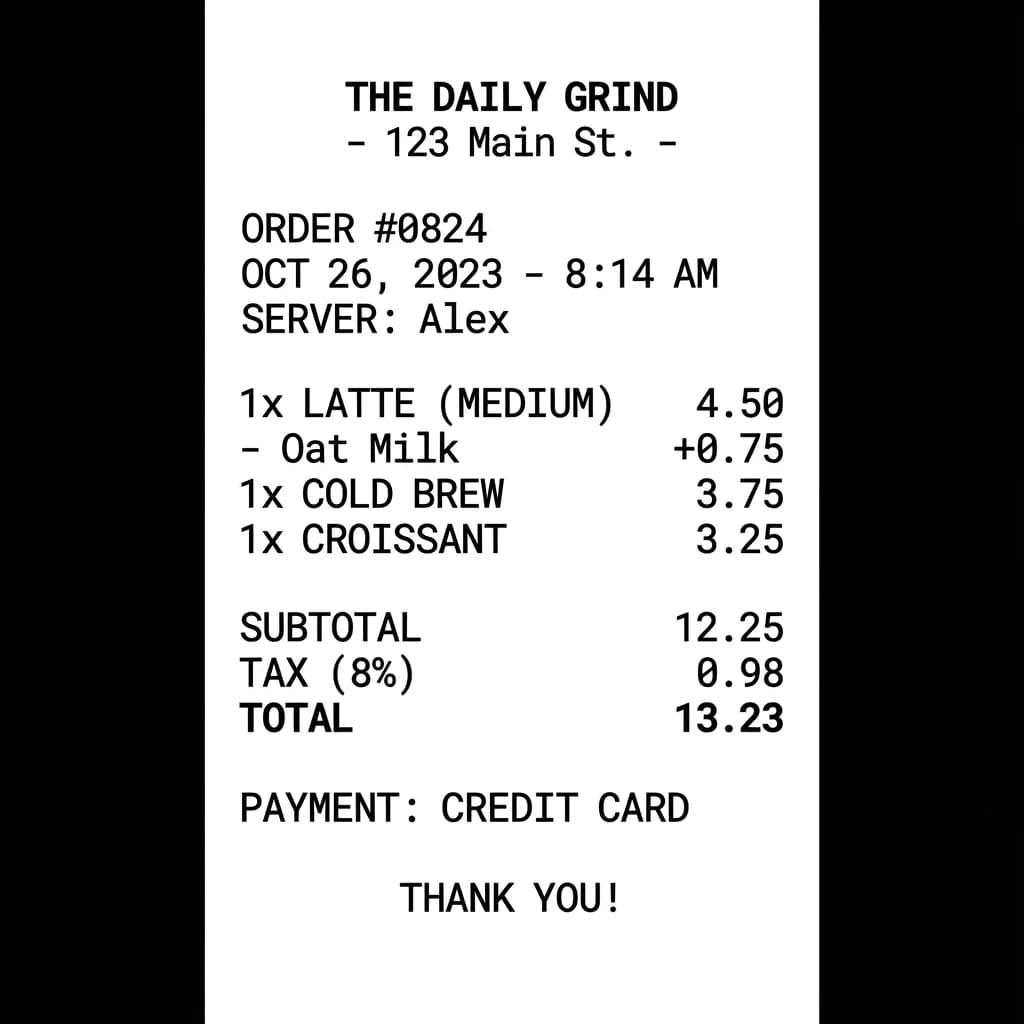
How to Rename Scanned PDFs, JPGs, and TIFFs in 3 Steps
You don't need to change any settings or toggle any complex switches. Support for image formats is now enabled using our new unified engine.
- Connect your source: Link your Google Drive, OneDrive, or Dropbox folder, or simply open the Web Renamer.
- Define your rule: Tell the AI what you want. For example: "Rename to
{Date}_{Vendor}_{Total}". The AI will automatically detect that it's looking at an image or scanned PDF and switch to Vision mode. - Run: Drop your files in. The system processes the visual content, extracts the data, and renames the file in place.
Under the Hood: Vision Models vs. Traditional OCR
To understand why this is a significant leap forward, we need to talk about how computers "read." For decades, the industry standard was Optical Character Recognition (OCR), largely defined by open-source tools like Tesseract.
Traditional OCR is rigid. It works by analyzing contrast—black pixels on white pixels. It tries to segment the image into lines, then words, then characters, matching shapes against a database of known fonts. It is a "bottom-up" approach.
The problem is that real life doesn't happen in Helvetica 12pt on a white background. Real documents have coffee stains. They have handwriting that wanders outside the box. They have shadows from the phone camera. When traditional OCR sees a shadow, it sees "noise," resulting in output like Inv0ice #7&B-5 instead of Invoice #785.
We have rebuilt our processing pipeline to use AI Vision Models (powered by Mistral OCR). This is a "top-down" approach.
AI Vision sees: "This looks like a receipt. There is a number at the bottom right formatted as currency ($100.00). Given the context of the document, this is highly likely to be the Total Amount."
How Accurate Is It Compared to Other OCR Tools?
In our internal benchmarks against 500 "messy" real-world documents (crumpled receipts, low-light scans, and handwritten notes), the difference was stark.
Traditional Tesseract-based workflows achieved a perfect rename rate of just 60-92% depending on image quality. Our Vision-based engine hit 94% accuracy on the same dataset. By understanding context, the model can often "repair" data that is visually obstructed—inferring a date from a partial stamp or correcting a typo in a vendor name based on the logo.
This semantic understanding allows us to rename documents that were previously impossible to automate. We can accurately identify a "Date of Service" on a faded work order or an "Invoice Number" even if the label is partially obscured. We can distinguish between a "Quote Number" and an "Invoice Number" based on the layout of the page, not just the text next to it.
TIFF Support: A Love Letter to Legacy Industries
While JPGs and PNGs are common for personal use, the business world still runs on TIFFs. Legal, insurance, and government archives often store millions of records in Multi-Page TIFF format.
If you work in law, insurance, or government, you likely deal with Multi-Page TIFFs. This format was the default for high-volume document scanners for twenty years because it is lossless and supports multiple pages in a single file. However, the modern web has largely left TIFF behind. Chrome and Safari can't even open them natively anymore.
Most modern productivity tools pretend TIFFs don't exist, forcing you to use desktop software to convert them to PDF one by one before you can do anything with them.
We took a different approach. We built a dedicated ingestion engine specifically for these legacy formats. When you upload a multi-page TIFF, our system splits the pages in a secure temporary environment, processes each page with our Vision model to extract context (like case numbers or patient IDs), and then renames the original file without altering its integrity.
“We have 15 years of closed case files scanned as TIFFs in our archives. Renaming them manually would have taken two full-time staff members a year. With Renamed.to, we simply pointed the tool at our 'Legacy Scans' folder and processed the entire backlog in a weekend.”
Privacy First: How We See Without Looking
We understand that scanned documents often contain the most sensitive info—handwritten notes, personal signatures, and confidential scans. The question of "Who is looking at my files?" is critical.
Our architecture is designed for Ephemeral Processing. When you upload a scanned image:
- Encryption: The file is encrypted in transit and at rest.
- Isolation: It enters a temporary, isolated worker container.
- Extraction: The Vision model extracts only the metadata needed for renaming (e.g., dates, vendor names). It does not "read" the document in a way that retains memory.
- Destruction: As soon as the new filename is generated, the temporary image copy is cryptographically wiped from our processing servers.
We explicitly do not train our models on user data. Your tax return from 2024 will not help an AI learn to read tax returns in 2025. Your data remains yours, processed in a black box.
Real-World Use Cases
So, what does this actually look like in practice? Here are three workflows that are live today.
1. Construction & Trades: Rename Receipts from the Truck
The Problem: A construction foreman buys materials at a supply yard. They snap a photo of the packing slip on the dashboard of their van to prove the materials were picked up. The photo syncs to the company Dropbox as Photo 18-12-2025 14.30.22.jpg, lost among hundreds of other site photos.
The Fix: The foreman drops the photo into a "To Rename" folder. Our system identifies the supplier (Lowe's), picks up the Job ID handwritten in pen at the top (Job #402), and extracts the date.
Result: 2025-12-18_Lowes_Job402_PackingSlip.jpg. The office manager can now instantly bill the materials to the correct client.
2. Tax Prep: Rename Shoebox Receipt Scans
The Problem: It is tax season. You have a digital folder containing 500 scans of receipts from the last fiscal year—some are PDFs, some are JPGs, some are PNG screenshots of emails.
The Fix: You select all 500 mixed-format files and drag them into the Web Renamer. You apply a unified rule: {date}_{vendor}_{total}. You can even add a logic step: "If the total is over $100, add '_REVIEW' to the end." If you want to automate this for the future, check out our guide on automatically organizing your digital filing cabinet.
Result: A perfectly sorted expense report in minutes, ready for your accountant, with high-value receipts flagged automatically.
3. Law Firms: Rename Multi-Page TIFF Case Files
The Problem: A law firm is digitizing closed case files to save on physical storage costs. The high-speed scanner outputs hundreds of unnamed multi-page TIFFs per day, each named only by a sequence number.
The Fix: Connect Renamed.to to the scanner's output folder via OneDrive. As fast as the scanner produces files, our agent picks them up, reads the Case Number from the header of the first page, and routes the file to the correct Client folder. The lawyers never have to touch a file.
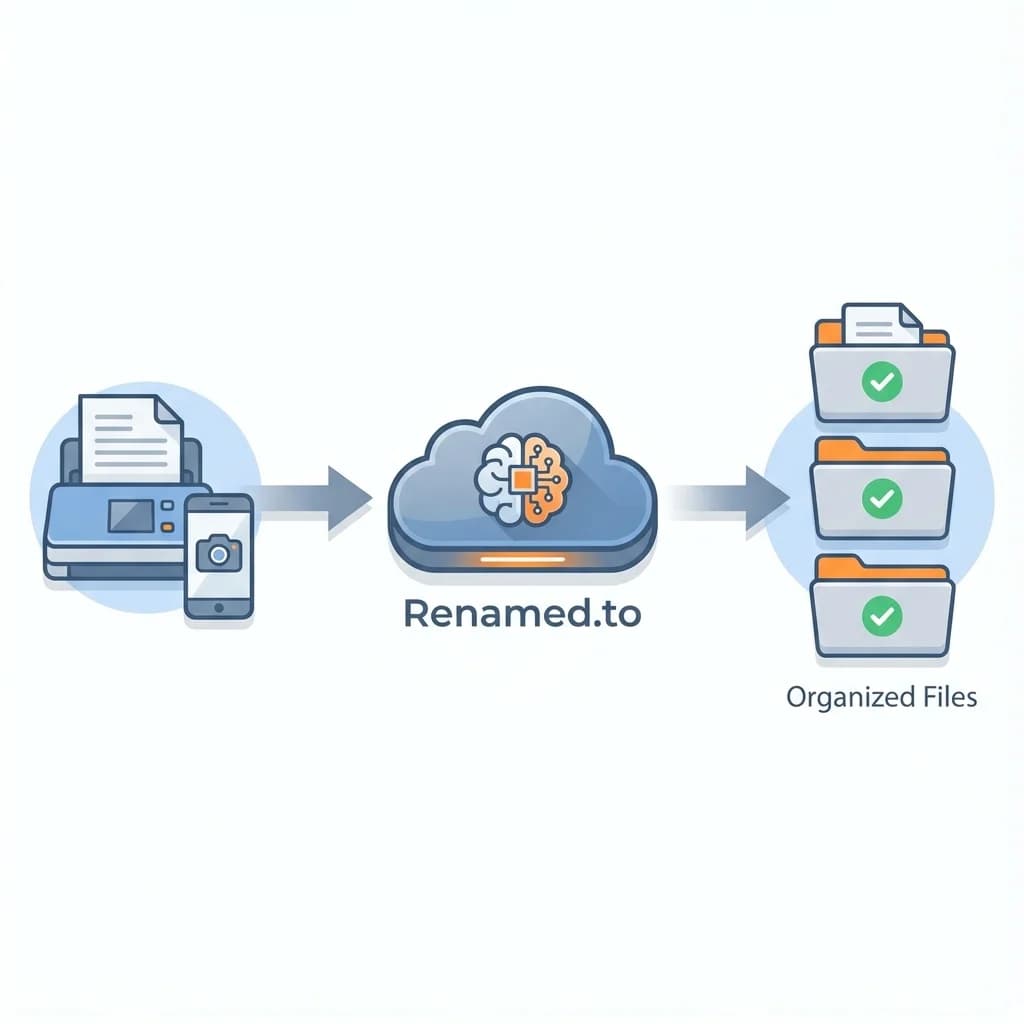
How to Get Started
Support for image formats is available immediately for all Pro and Team plans.
- Web Renamer: Just drag and drop your JPGs, PNGs, or TIFFs along with your PDFs. You can mix and match formats in a single batch.
- Integrations: If you have an existing "Watch Folder" set up in Google Drive, OneDrive, or Dropbox, it will automatically start processing image files. For a deep dive on setting this up, read our guide on renaming files in Google Drive.
Frequently Asked Questions
Do I need to convert images to PDF first?
No. You can upload JPG, PNG, or TIFF files directly. Our engine reads them natively. We use a temporary, internal conversion process just for the AI to "read" the text, but your final file remains in its original format.
Does this support multi-page TIFFs?
Yes. We fully support multi-page TIFF files, which are common in legal, insurance, and government archives. The system reads all pages to extract context for renaming.
How accurate is the text extraction (OCR)?
We use state-of-the-art Vision models (Mistral OCR) that are significantly more accurate than traditional Tesseract-based solutions, especially for handwritten notes or low-contrast scans.
Does this work with the Dropbox integration?
Yes. Scanned document support is live across all our integrations, including Dropbox, Google Drive, and OneDrive. You can drop a photo into a watched folder, and it will be renamed automatically.
Is my data secure during OCR?
Absolutely. Processing happens in a secure, ephemeral environment. Once the text is extracted and the file is renamed, the temporary processing data is immediately wiped. We never train models on your documents.
The Future of File Management
This update brings us one step closer to our ultimate vision: File Agnosticism.
We believe that file formats are an implementation detail that humans shouldn't have to worry about. You shouldn't have to care if a document is a `.pdf`, a `.jpg`, or a `.tiff`. You shouldn't have to worry about whether it was typed, printed, or handwritten. You should only care about the information it contains and the business value it represents.
Whether it is a pristine digital invoice or a crumpled receipt from a networking lunch, Renamed.to now treats your data with the same level of care, intelligence, and precision.
Go ahead. Empty that "Scans" folder. We've got you covered.
Key takeaways
- Native support for JPG, PNG, and TIFF files; no PDF conversion required.
- Advanced Mistral OCR handles handwritten text, low-contrast scans, and crumpled receipts.
- Full support for Multi-Page TIFFs, critical for legal and medical archives.
- Available immediately in Web Renamer and all Cloud Integrations (Dropbox, Drive, OneDrive).
- Secure, ephemeral processing ensures your sensitive data is never stored.
Oleksandr Erm
Founder, Renamed.to
Writing about file management, productivity, and automation at Renamed.to.
Further reading
Beyond PDF: How We Built the Fastest Office-to-Image Converter for AI Document Processing
Renamed.to now supports Word, Excel, and PowerPoint documents. Learn how our custom office-to-image converter renders documents to images in under a second for AI-powered naming.
Now in 9 Languages: Use Renamed.to Your Way
Renamed.to now speaks your language. Available in English, German, French, Spanish, Portuguese, Italian, Japanese, Korean, and Polish—so you can organize files without the language barrier.
Google Drive Automation: Compared
Compare 4 ways to automate Google Drive file management. Apps Script, Zapier, Make, and AI renaming tested side-by-side with cost, setup time, and limitations.
Renamed.to
Digitize your workflow
Turn your pile of scans into an organized digital archive.
Start Renaming Scans